28 September 2026 · ShopOviedo Desk · 6 minute read
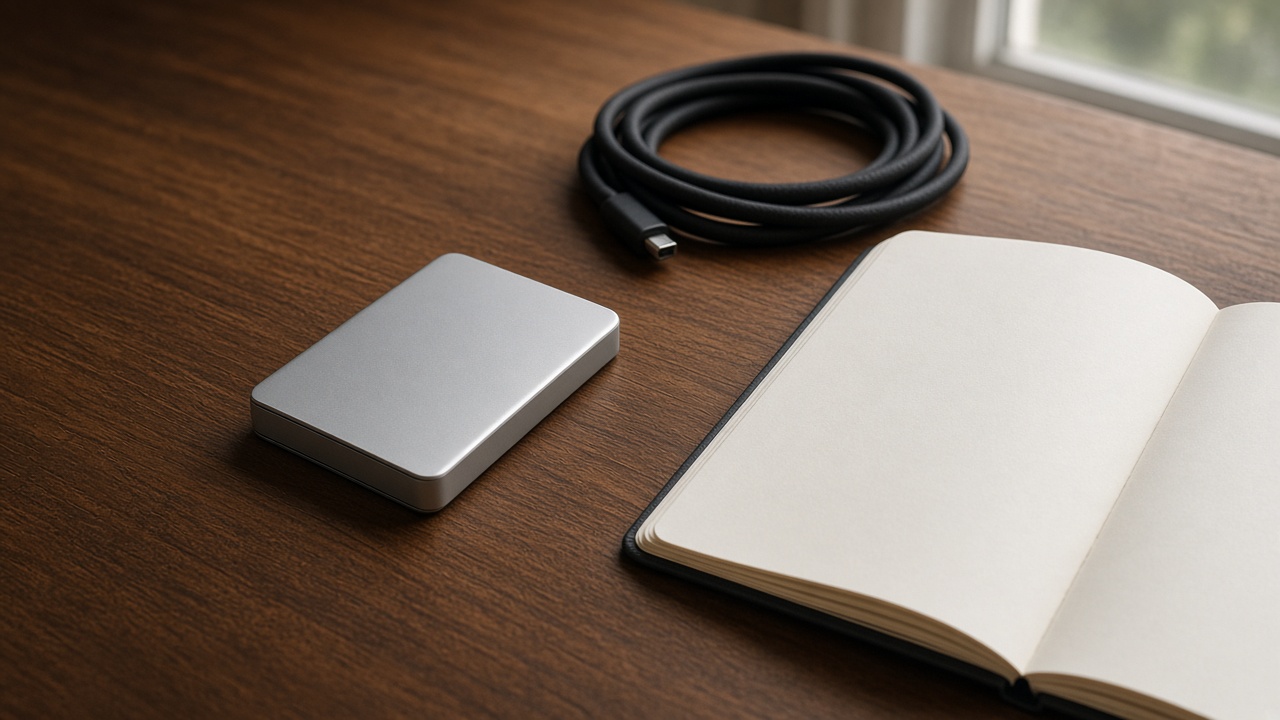
A pocket SSD is not a personality and it is not a backup plan by itself. It is a small metal box that moves files faster than a spinning disk and survives a jacket pocket better than a naked circuit board. The Slate Pocket 1TB is the version we keep on the shelf because the job is obvious: photo libraries, project folders, and the overflow a laptop should not be carrying alone.
Speed is a port conversation
The drive can be quick and the laptop can still be slow if the port is old. USB-C is a shape, not a promise. A USB 3.2 Gen 2 port moves large folders in a way you can feel. An older port still works, and it will feel like a patient walk instead of a sprint. Before you blame the drive, try the other port on the machine. Laptops hide their fast ports like they are ashamed of them.
For everyday documents you will not notice. For a folder of camera files, or a video draft, you will. That is the honest use. Buying a fast drive to hold a handful of PDFs is fine if you like the object. It is not a performance story.
What belongs on it
- Originals from a camera or a drone, copied off the card before the card goes back into the bag.
- Project files you might need on a second computer.
- A seasonal archive: last year’s photos, a finished course, a folder you do not want on the desktop.
- An installer or a preset pack, including something like Color Walk, so the download is not the only copy.
What does not belong as the only copy: the sole version of your life’s photos, passwords, or a client project with no other home. A pocket drive can fail, get lost, or sit under a sofa. One copy is a wish. Two copies, in two places, is a backup. Three, if the work would hurt to lose, is calm.
The drive will not build the habit
People buy storage at the moment of panic, then forget the cable in another bag. Put the cable in the sleeve every time. The Slate Pocket includes a short USB-C cable and a sleeve for that reason. If you have to hunt, you will postpone the copy, and the card in the camera remains the only copy until the card fills up and you make a bad decision.
A simple rhythm works better than a clever app. When you get home, copy the card to the SSD and to the computer, then format the card only after both copies open and you can see a photo that is not the first one. Check a file from the middle of the day. The first file always works. The middle file is the test.
Care that is actually care
Metal shells like to be cool and dry. Do not leave the drive on a windowsill or in a car. The Slate Pocket is not a rugged field brick. If your bag gets thrown, add padding. Unplug it before you drop the laptop into a sleeve with the cable still attached. That yank is how ports become a story.
Encryption is worth turning on if the drive ever holds work you would not want a stranger to browse. The steps live in your operating system, not in a sticker on the shell. Name the drive something you will recognize on a messy desktop. “Untitled” is how files go to the wrong place.
When you need something else
A tablet with 128 GB, such as the Folio Tab 11, is for reading and notes, not for a photo archive. A power bank does not store files, no matter how often the two objects share a pouch. Cloud space is a useful third copy if you trust the account and the connection. It is a poor first copy on a hillside with no signal. The pocket drive is the copy that does not need a password prompt in that moment.
If you are choosing capacity, 1 TB is the size where most people stop apologizing to their camera. Smaller is fine if you empty it on a schedule. Larger is lovely and easier to neglect, because “there is room” becomes the policy.
Add the Slate Pocket from the shop if it matches the job. Tell the representative, in the checkout note, whether you also want a cable story sorted. Payment happens after that email, not on the page.
Related reading: fewer objects on the desk and the Color Walk preset pack, which is a file, not a box.